The phrase “calculate Zone blocks” can mean several different things. Before entering a number, decide whether you want a daily estimate, a nutrient-block count, or a food weight that supplies a block.
Those questions are related but not interchangeable. A daily estimate concerns a person’s inputs and a formula. A nutrient-block count concerns how much of a nutrient is in a portion. A food-weight calculation reverses that process: it asks how much of a particular food corresponds to a selected nutrient amount. Keeping the question visible prevents a correct calculation from being used as the answer to the wrong problem.
Begin with a matching label or source record
Read the food description and preparation state first. Then find the serving’s mass and its nutrient values. Use values belonging to the same serving. A label’s percentage Daily Value is not a substitute for nutrient grams. The FDA guide to using food labels explains how serving information and nutrient amounts are organized.
Suppose a hypothetical label lists a 120-gram serving with 21 grams of protein, 30 grams of total carbohydrate, six grams of fiber and nine grams of fat. These are invented teaching inputs, not a nutritional claim about a named food. They allow the arithmetic to be checked without pretending that every yogurt, grain bowl or packaged product has this composition.
Calculate nutrient blocks in that serving
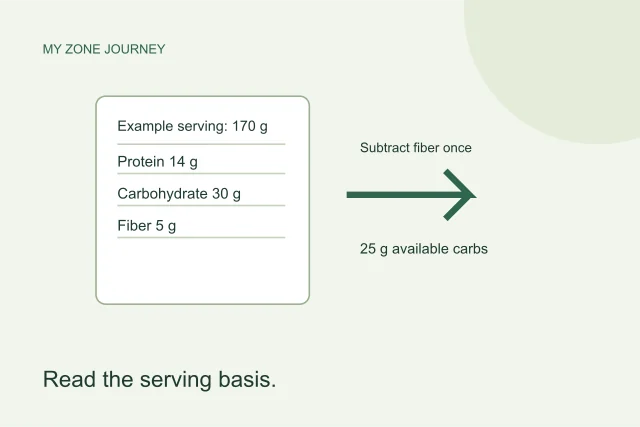
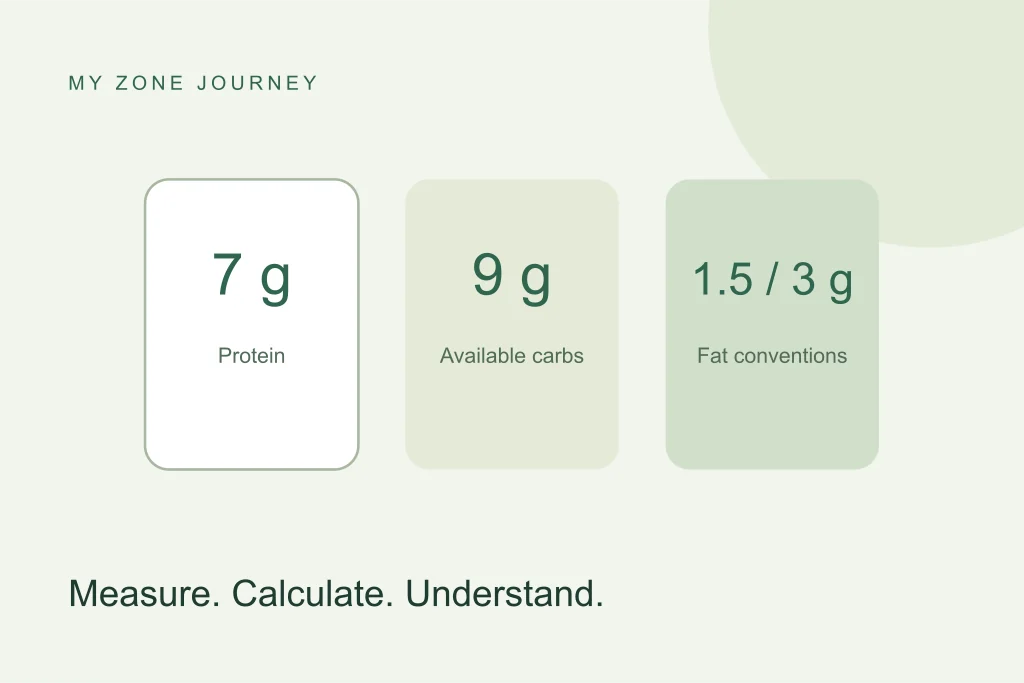
The original My Zone Journey calculator uses nutrient reference values of seven grams for protein and nine grams for carbohydrate. In a straightforward protein calculation, divide 21 by seven: the hypothetical serving supplies three protein-block equivalents. For available carbohydrate, subtract the six grams of fiber from the stated total of 30 before dividing the remaining 24 by nine. That gives about 2.67 carbohydrate-block equivalents.
Those two results do not make the serving a balanced three-block meal. They describe different nutrient contributions. Rounding each one to a convenient whole number would hide a real difference. Keep unrounded values through a recipe calculation and round only the final display according to its stated method.
Handle fiber deliberately
The Zone convention refers to available carbohydrate. When a source’s total carbohydrate already excludes fiber, do not subtract it again. If you cannot tell how the value is defined, pause and check the source rather than choosing the interpretation that produces a preferred block count.
This is a data-definition problem, not a feature that a calculator can solve by guessing. Record which field you used. The food reference identifies its source and method so that a recipe or saved calculation can be reviewed later. Different label jurisdictions or data types may use different conventions; the word “carbohydrate” alone is not always enough context.
Keep added fat separate from total fat
The legacy food tool uses a 1.5-gram added-fat convention. It does not automatically decide how much fat is already associated with the meal’s protein source, and it does not switch to a vegetarian convention. A transparent nutrient analysis can separately report total fat divided by three as total-fat equivalents. That is not the same quantity as the original tool’s added-fat portion.
For the hypothetical serving, nine grams of total fat would be three total-fat equivalents using that explicitly labeled divisor. It would be misleading to call it an instruction to add six fat blocks. The block-method page explains why the labels must travel with the numbers.
Reverse the calculation to find a food weight
If a 120-gram serving provides 21 grams of protein, calculate the food weight containing seven grams by multiplying 120 by seven and dividing by 21. The result is 40 grams of the food. This is the job performed by the food calculator.
Enter 120 as the serving size and 21 as protein grams per serving. Choose grams for the result if that is how you will weigh the food. The legacy interface rounds protein portions in half-unit increments, so small differences from an independently rounded calculation may be expected. Changing the output to ounces changes both the displayed unit and its rounding step; it does not change what food record you should use.
Scale a database record to your actual portion
Many food records express nutrients per 100 grams. Multiply each nutrient by the portion’s gram weight and divide by 100. USDA food-data documentation describes that relationship. If a record contains 12 grams of protein per 100 grams and you use 75 grams, its scaled protein amount is nine grams. This second example is also hypothetical.
For a recipe, perform that scaling for every ingredient, add the nutrient amounts, and divide by the stated number of servings. Include measured oils and sauces. Keep the food state consistent: a raw ingredient needs a matching raw record unless the calculation deliberately uses a measured cooked ingredient and cooked record. Do not substitute a generic raw entry solely because its name looks familiar.
A daily estimate is a separate calculation
The prescription calculator preserves the original pounds-based sequence of rounded fat-weight, lean-mass and protein estimates before deriving daily blocks. Its default converts kilogram inputs consistently into that calculation. Equivalent weight inputs can therefore be compared across units. Rounding only once at the end would be a different implementation.
An explicit legacy mode retains the original metric calculation for comparison; that older calculation mixes units. Separately, some original meal allocations do not sum to the daily result, and some high block counts have no table entry. Those table limitations remain visible. Neither the unit correction nor a precise display validates a personal nutrition prescription, and an allocation that fails its own total should not be followed merely because it appears in a calculator.
Run a short error check
- Did you enter food grams or accidentally enter calories?
- Do the serving weight and nutrient grams refer to the same serving?
- Does the record match the preparation and edible portion?
- Was fiber included, excluded or subtracted twice?
- Are you comparing added-fat blocks with total-fat equivalents?
- Are you expecting an exact unrounded value from a rounded legacy display?
Make the result useful
Save the food description, source identifier, input values and units with the result. A clear record lets you update the calculation when a product or ingredient changes. A copied number without its source becomes difficult to audit.
Next, use a recipe in the library to follow a complete ingredient calculation. If your aim is to decide personal nutritional requirements rather than understand arithmetic, use qualified professional guidance. A carefully calculated food portion and an appropriate individual eating plan are different achievements.