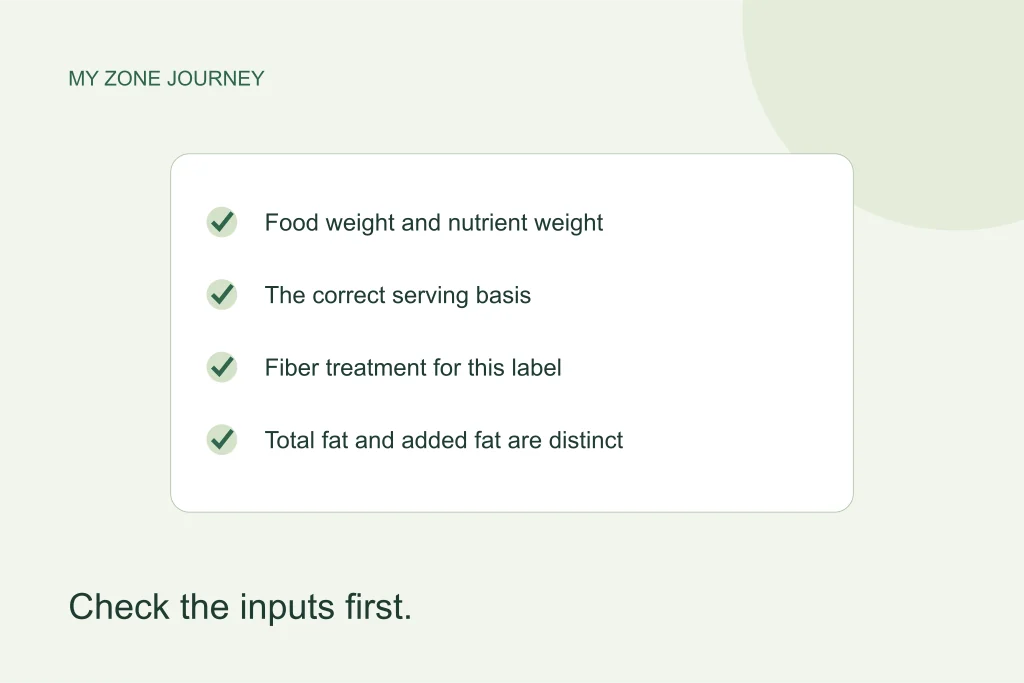
A surprising calculator result is often a reason to inspect the inputs, not immediately change the formula or your meal. This checklist is for reviewing a number before saving or sharing it. It works alongside the calculator’s method notes and the site’s sourced food reference.
The aim is not to make every calculation end in a whole number. It is to make the number traceable: which food, which weight, which nutrient definition, which formula and which rounding step produced it? Keep that short audit trail and many apparent disagreements become easier to explain.
1. Entering food weight as nutrient weight
A serving can weigh 120 grams while containing 21 grams of protein. Those numbers belong in different fields. In a hypothetical one-nutrient calculation, 7 grams protein would correspond to 120 × 7 ÷ 21 = 40 grams of that food. Entering 120 as its protein content would describe a different composition and produce a misleading result.
Before calculating, say the labels aloud: “this many grams of food contains this many grams of nutrient.” If the sentence does not match the package or database record, fix that mismatch first. A calculator cannot infer which of two plausible numbers was intended.
2. Mixing a per-serving figure with a per-100-gram figure
Use one basis across the calculation. A label’s protein per serving cannot be paired with a 100-gram serving-size field unless the declared serving itself weighs 100 grams. FDA notes that nutrition declarations are generally tied to the stated serving, and that some packages have separate whole-package information. Choose the correct column before copying values. FDA serving-size guidance.
For a hypothetical 60-gram serving with 12 grams protein, 30 grams of food contains 6 grams protein. If you first halve the nutrient amount, do not halve the portion again elsewhere. One consistent scaling factor is easier to inspect than several adjustments scattered across a worksheet.
3. Switching units without checking the number
A unit label changes the meaning of an entered value. A weight of 180 pounds is not a weight of 180 kilograms. Read the current tool’s behavior when switching units: does it convert the number, or simply reinterpret it? If a comparison mode is available, note which mode produced the result rather than merging outputs from different versions.
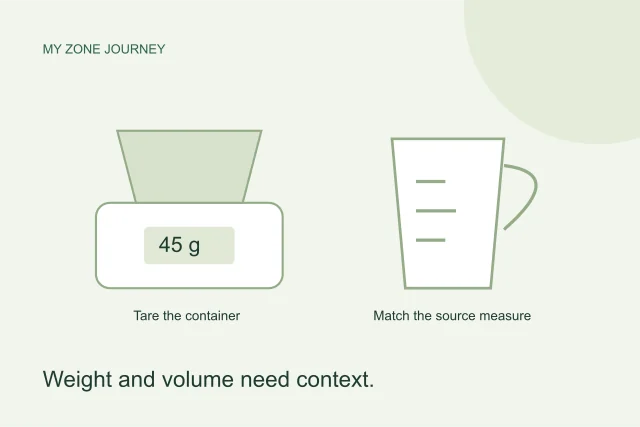
For kitchen quantities, keep mass and volume separate too. An ounce used as food weight is not a fluid ounce of volume. A cup of oil and a cup of chopped vegetables do not share a universal gram weight. Use the food-specific measure supplied by a verified source when one is available.
4. Subtracting fiber twice
This site’s available-carbohydrate convention subtracts fiber from a total-carbohydrate value that includes it. A value already described as available carbohydrate should not have fiber removed again. U.S. FDA guidance includes fiber under total carbohydrate; other label systems or manufacturer calculations need their own definition checked. FDA carbohydrate reference.
A hypothetical 30 grams total carbohydrate and 6 grams fiber gives 24 grams available carbohydrate. The reference count is 24 ÷ 9, about 2.67. Subtracting the same 6 grams again would produce 18 grams and two equivalents, an arithmetic answer to the wrong starting information.
5. Confusing total-fat and added-fat equivalents
The original food tool uses a 1.5-gram added-fat convention. The mixed-food and recipe reference also shows a separately labeled total-fat calculation using 3 grams. Nine grams of fat therefore corresponds to six original added-fat equivalents or three total-fat equivalents. The labels explain the difference; one should not be silently substituted for the other.
When comparing a recipe and a calculator output, check the denominator before assuming one is wrong. A photograph showing a spoon of oil cannot tell you how much fat is already present in the rest of the dish.
6. Choosing the wrong preparation record
Dry oats, oatmeal cooked in water, raw chicken and roasted chicken are distinct records. Weighing one state and calculating with another can change the estimate considerably. USDA’s source data distinguish food identities and preparations; a short search term should not hide the full selected description. View the USDA dataset source.
Check terms such as raw, cooked, drained, with skin and without salt. If the source describes edible flesh, do not include a peel or bone in the weight. If the recipe’s database calculation starts with cooked ingredients, measure those ingredients at the stated stage rather than guessing a raw-to-cooked conversion.
7. Treating a mixed food as only one nutrient
Beans, nuts, dairy, grains and vegetables can contribute to several macro totals. Calling chickpeas the “protein part” of a meal does not remove their carbohydrate or fat. Add all recorded nutrients before deciding how closely the combination approaches your chosen reference counts.
This is especially important when replacing one food with another. Equal grams, equal spoonfuls or equal protein do not guarantee equal carbohydrate and fat. Recalculate the combination after a meaningful substitution.
8. Rounding every ingredient before adding it
Keep the unrounded nutrient values while scaling and summing. Round the final display instead. If three ingredients each contribute 0.4 of a reference equivalent, their total is 1.2; rounding every one to zero first would erase the contribution. Small-looking errors can accumulate when the same shortcut is repeated.
The original food calculator also rounds its portion result by different increments for different nutrient panels. That is a documented output convention. Do not mistake those portion increments for precision limits on every nutrient value in an independently calculated recipe.
9. Assuming a missing value means zero
A database can lack a nutrient measurement. That is not the same as a measured or otherwise documented zero. The site’s selected reference foods include the five nutrients needed for its displayed calculations; other records may be less complete. USDA’s documentation explicitly distinguishes missing data from zero values. Read the USDA documentation.
If a value is unavailable, keep it unavailable. Do not fill it with a convenient zero to make a table calculate. An honest “not available” result is more useful than a complete-looking total built from invented information.
10. Treating a calculator estimate as an adequacy assessment
A correct calculation still answers only its defined question. It does not establish a person’s calorie needs, check a complete day’s micronutrients, or prove that a diet will improve a health outcome. Likewise, a rounded daily result does not guarantee that every suggested meal allocation adds up correctly; check the total actually displayed.
Before saving a result, attach the units, source food identity and method label. If the number remains surprising, return to the calculator hub and the relevant method notes. Ask a qualified professional for individualized nutrition decisions rather than trying to solve every concern by changing a multiplier. Transparent inputs and a modest interpretation are the useful finish line.